IT Kompass
User
-
Registriert
-
Letzter Besuch
Alle Beiträge von IT Kompass
-
-
Hallo zusammen, ich habe in einem privaten Projekt ein Bild-Klassifizierungsmodell trainiert, dass 7 verschiedene Emotionen live klassifizieren kann. Dazu habe ich 100.000 gelabelte Bilder für das Training benutzt und eine Accuracy von 62% erzielt. Ich habe mein Vorgehen in einem Youtube Video zusammengefasst. Darf ich den Link hier teilen? Beste Grüße, Mario
-
Hi Whiz-zarD, danke für dein ausführliches Feedback! Ich werde künftig darauf achten die Dinge fachlich korrekt einzuordnen. Ich tue mir derzeit noch schwer einen Mittelweg zwischen 100% Korrektheit und starker Simplifizierung für Einsteiger zu finden. Da werde ich wahrscheinlich ein paar Videos brauchen, um eine gesunde Mitte zu finden. Beste Grüße, Mario
-
Zielgruppe sind IT-Interessierte, IT-Studenten und Juniors. Finde ed dehr schwer eine Mitte zwischen Fachwissen vermitteln und Laienfreundlich zu treffen. Da werde ich wohl ein paar Videos brauchen, um ein gutes Verhältnis zu finden. Ton hängt hinterher, ja. Hab das für das nächste Video bereits behoben :)
-
-
-
-
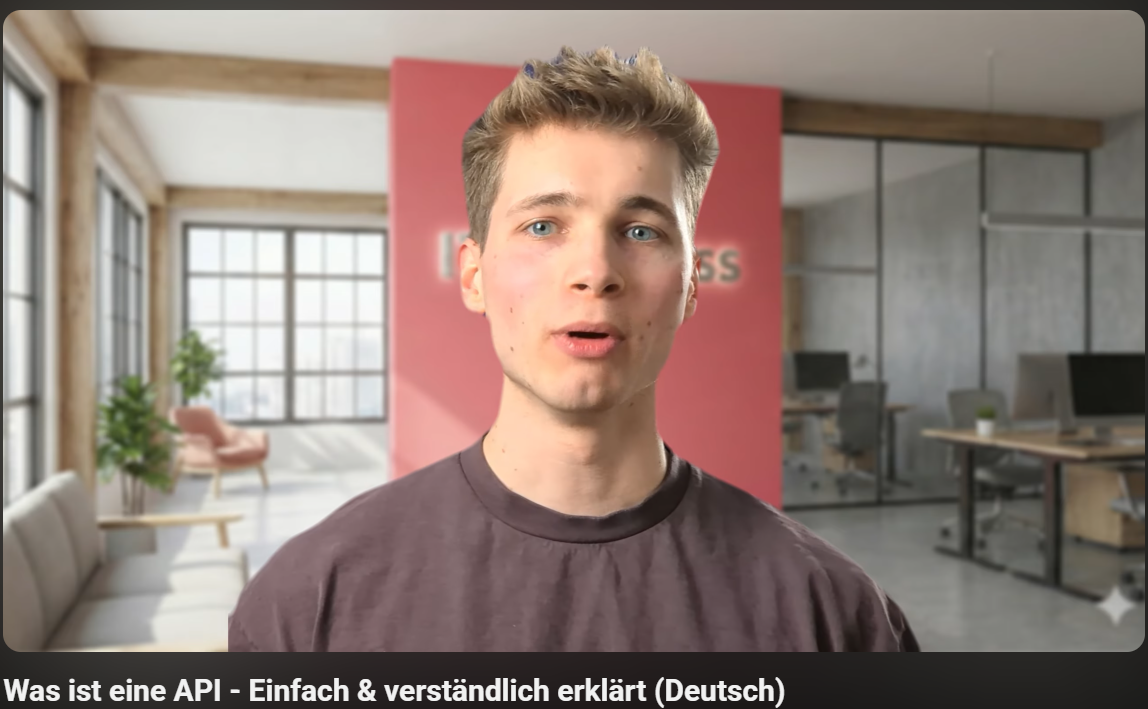
Hi zusammen, ich starte einen IT-Youtubekanal und suche noch nach Leuten, die mir Feedback geben können, ob ich verständlich erkläre oder etwas anders machen sollte. Wenn ihr Lust und 4 Minuten Zeit habt, dann schaut doch gerne mein erstes Video zum Thema "Was sind APIs" an. Ich bin jedem Feedback-Kommentar dankbar :) Was ist eine API - Einfach & verständlich erklärt (Deutsch)